
Adding and removing locations
Adding a new branch, plan limits and removing a location.
Adding a location
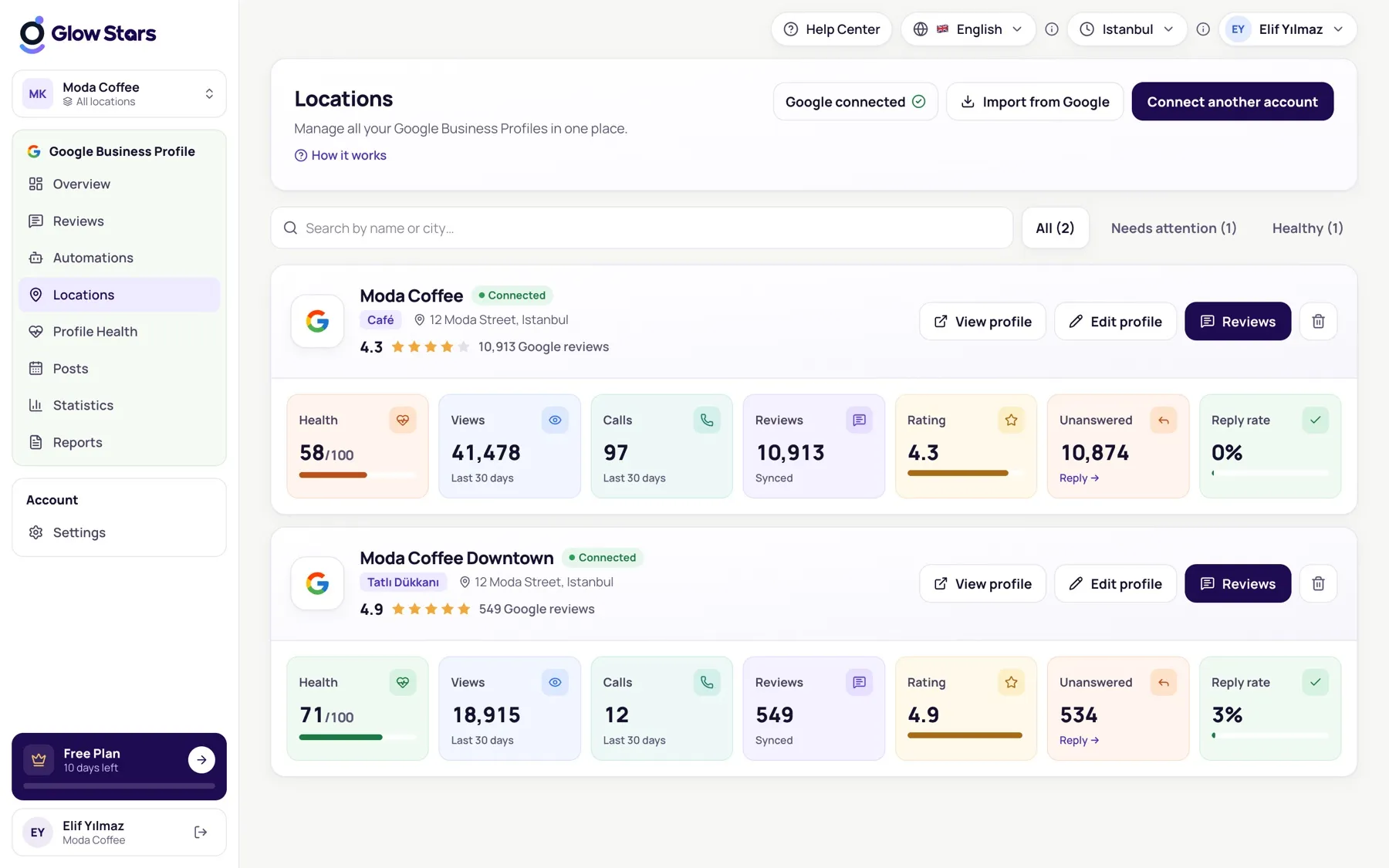
On the Locations page click Connect Google Business Profile and pick from the profiles in your connected Google account. How many locations you can add depends on your plan; your remaining allowance is shown on screen.
Removing a location
Use Remove location on the location card. The location’s data in Glow Stars is deleted; your profile and reviews on Google stay exactly as they are.
Seeing all locations together
Choose All locations in the location switcher to see reviews, insights and reports for every branch together.
More in this category
Can’t find what you need?
Write to our team and we’ll get back to you soon.