
Connecting your Google Business Profile
Add your profiles to Glow Stars through Google’s official connection.
Glow Stars works through Google’s official Business Profile API. We never see your password; access is granted on Google’s consent screen.
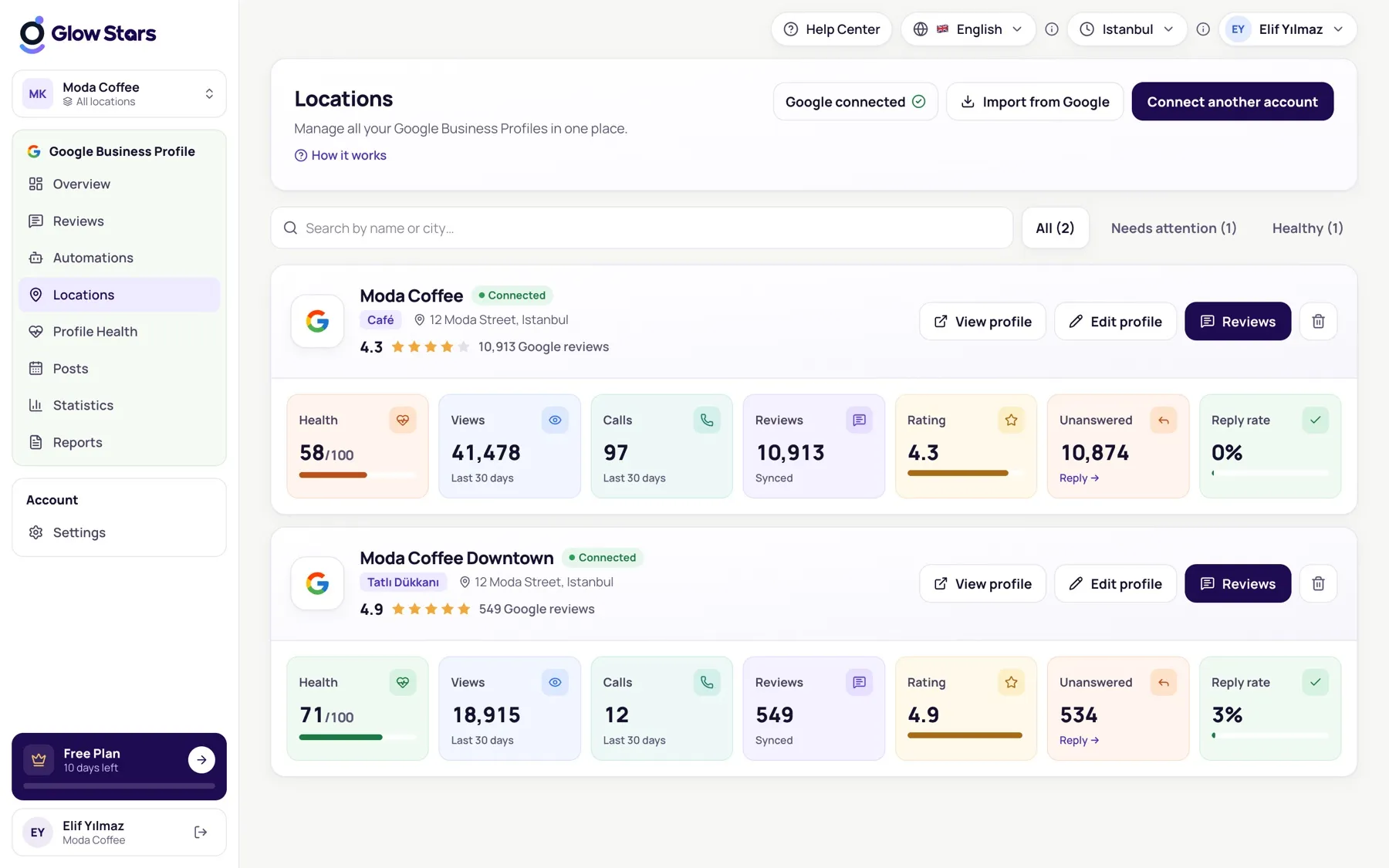
Steps
- Open the Locations page and click Connect Google Business Profile.
- Choose the Google account that manages your Business Profile.
- Allow Glow Stars on Google’s consent screen.
- Your profiles are listed; select the ones you want to manage and add them.
After connecting
Your reviews, profile details and insights arrive within minutes. On the first connection, past insights (about 18 months) are imported too.
My profile isn’t listed
The profile may be managed by another Google account. Reconnect with that account, or give this account manager access on the profile.
More in this category
Can’t find what you need?
Write to our team and we’ll get back to you soon.