
Finding your way: menus and the location switcher
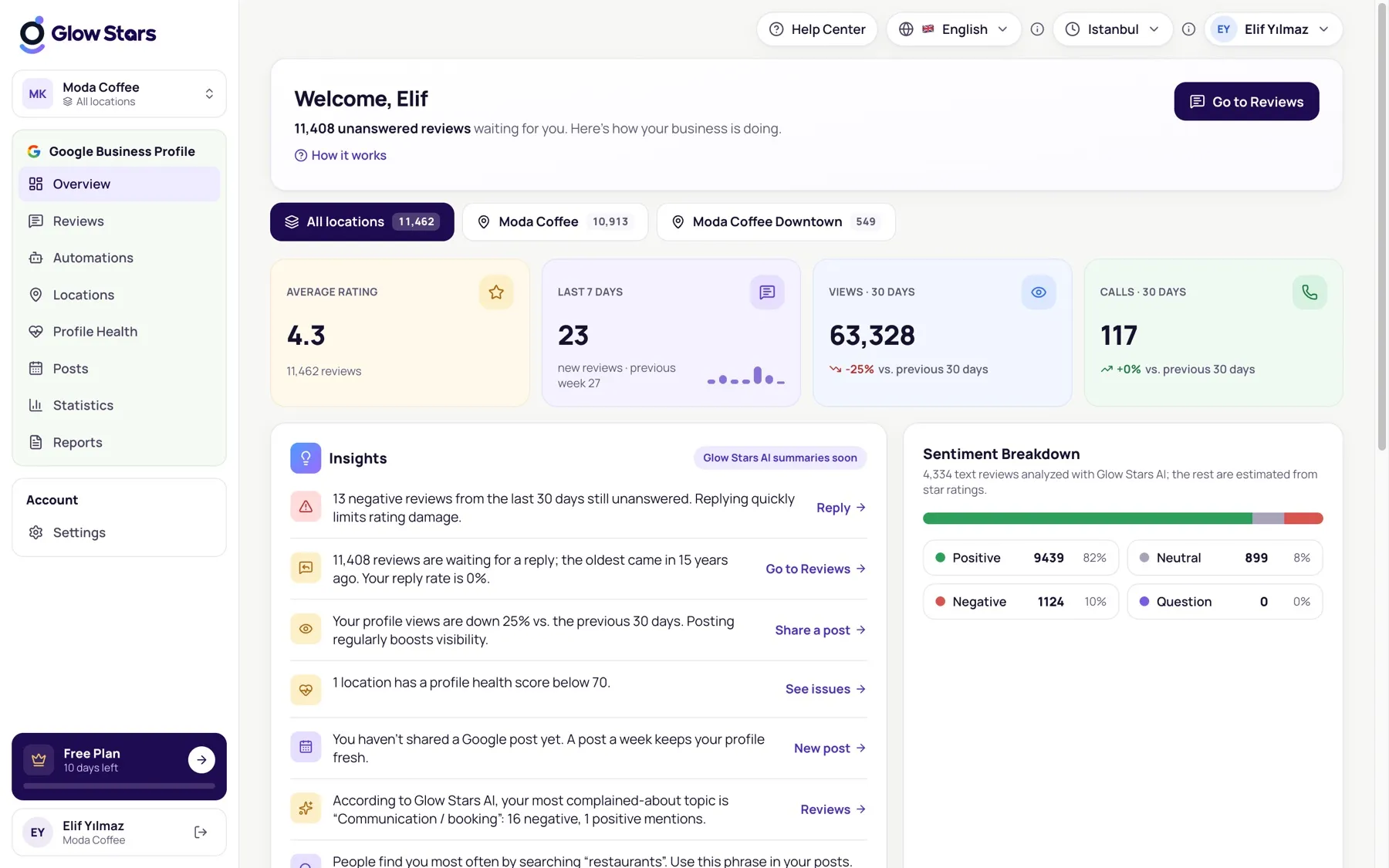
The main menu, the location switcher and settings in the top bar.
Main menu
The left menu holds every Google Business Profile page: Overview, Reviews, Automations, Locations, Profile Health, Posts, Insights and Reports. Your account options are under Settings.
Location switcher
If you have several locations, click the workspace box at the top left to choose All locations or a single branch. The same selection is shared with the location buttons at the top of each page; changing one updates the other.
Top bar
At the top right you can change the panel language (English/Turkish) and your business time zone. The time zone is used to schedule posts, reports and automatic replies.
More in this category
Can’t find what you need?
Write to our team and we’ll get back to you soon.