
Managing reviews
Filter and reply to every branch’s reviews from one inbox.
The Reviews page brings the Google reviews of all your locations into a single inbox.
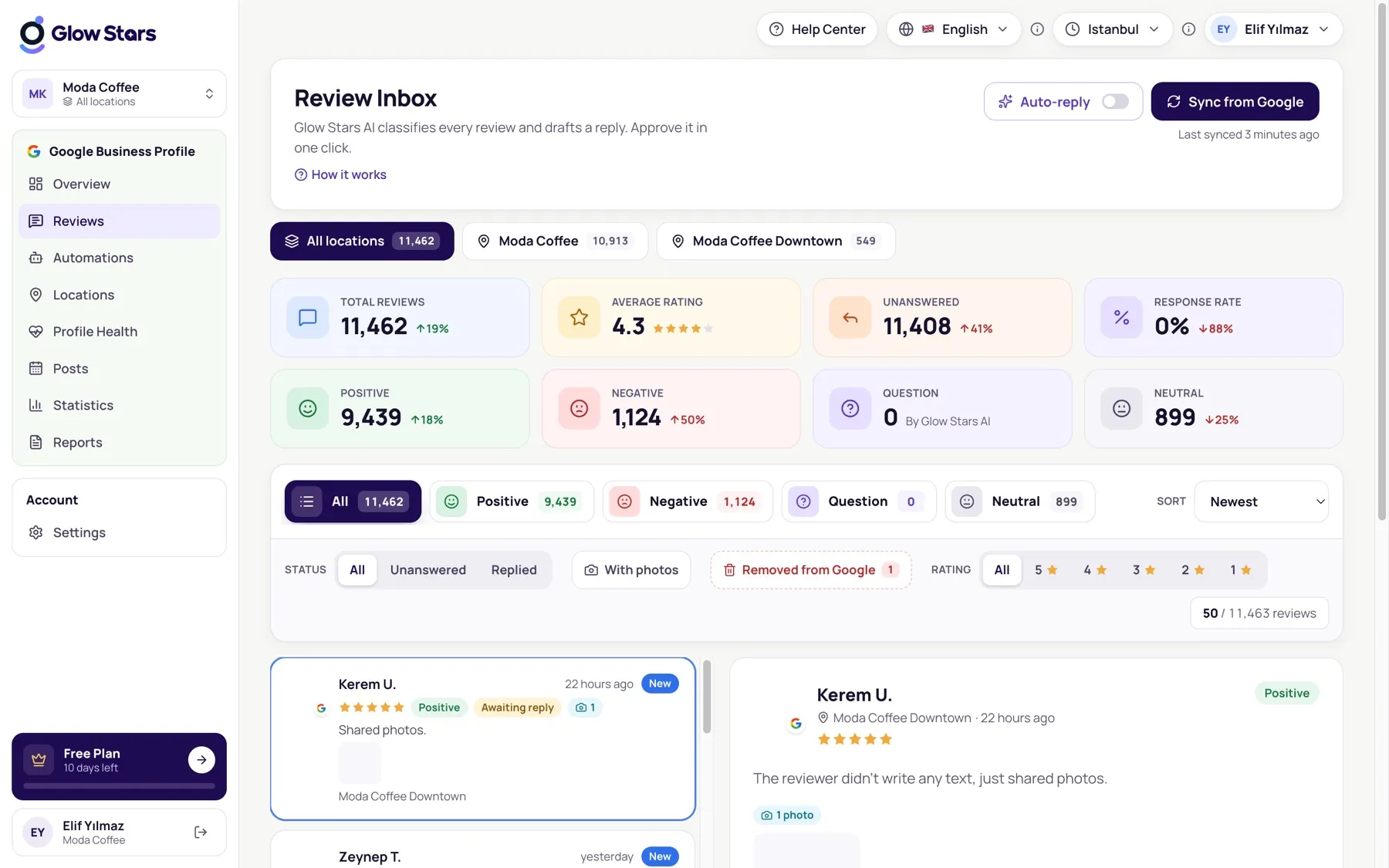
Filters
Filter reviews by reply status (unanswered, replied), rating and sentiment. Use the location switcher to focus on a single branch.
Sentiment and topics
Glow Stars AI reads every review and labels it positive, negative, neutral or question. The Overview page shows what customers praise and complain about most.
Reply status
Replies you publish appear on Google as the owner’s response and are marked “Replied” in the panel.
More in this category
Can’t find what you need?
Write to our team and we’ll get back to you soon.