Glow Stars AI reply drafts
Check and publish the draft written in your brand’s voice for every review.
Glow Stars AI drafts a reply in your brand’s tone for every review. No draft is ever published unless you want it to be.
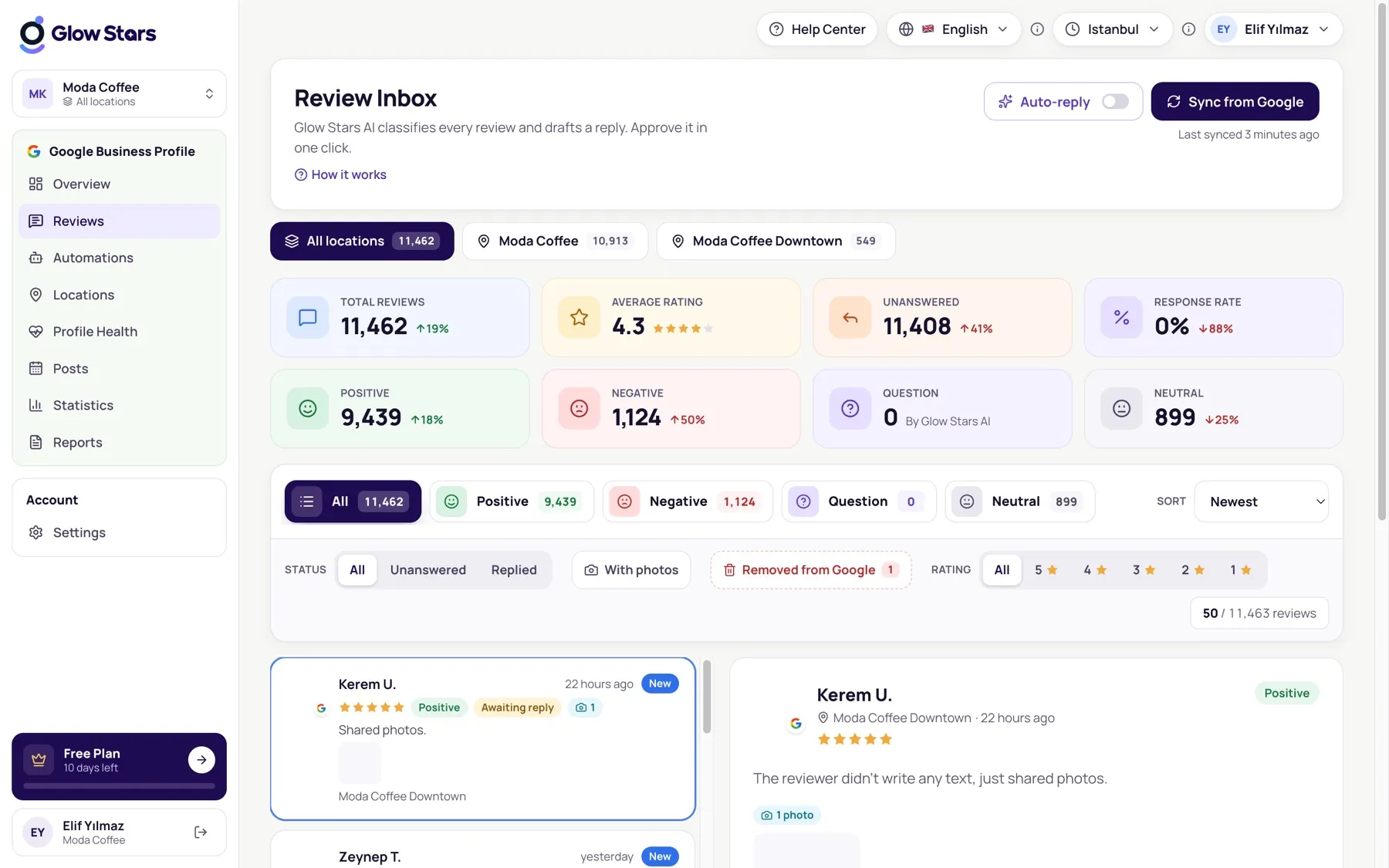
Publishing a draft
- Open a review on the Reviews page.
- Read the Glow Stars AI draft and edit it if you like.
- Click Reply. The reply is published on Google within seconds.
Regenerating a draft
If you don’t like the draft, click Rewrite for a new one or write your own.
Which language does it use?
Glow Stars AI replies in the language the review was written in. You can fix the reply language in your automation settings.
Tips for a great reply
- Address the customer by name and mention something specific from the review.
- For negative reviews, apologise, explain the fix and don’t turn it into an argument.
More in this category
Can’t find what you need?
Write to our team and we’ll get back to you soon.