
Panel language and time zone
Use the panel in English or Turkish and set your time zone.
Panel language
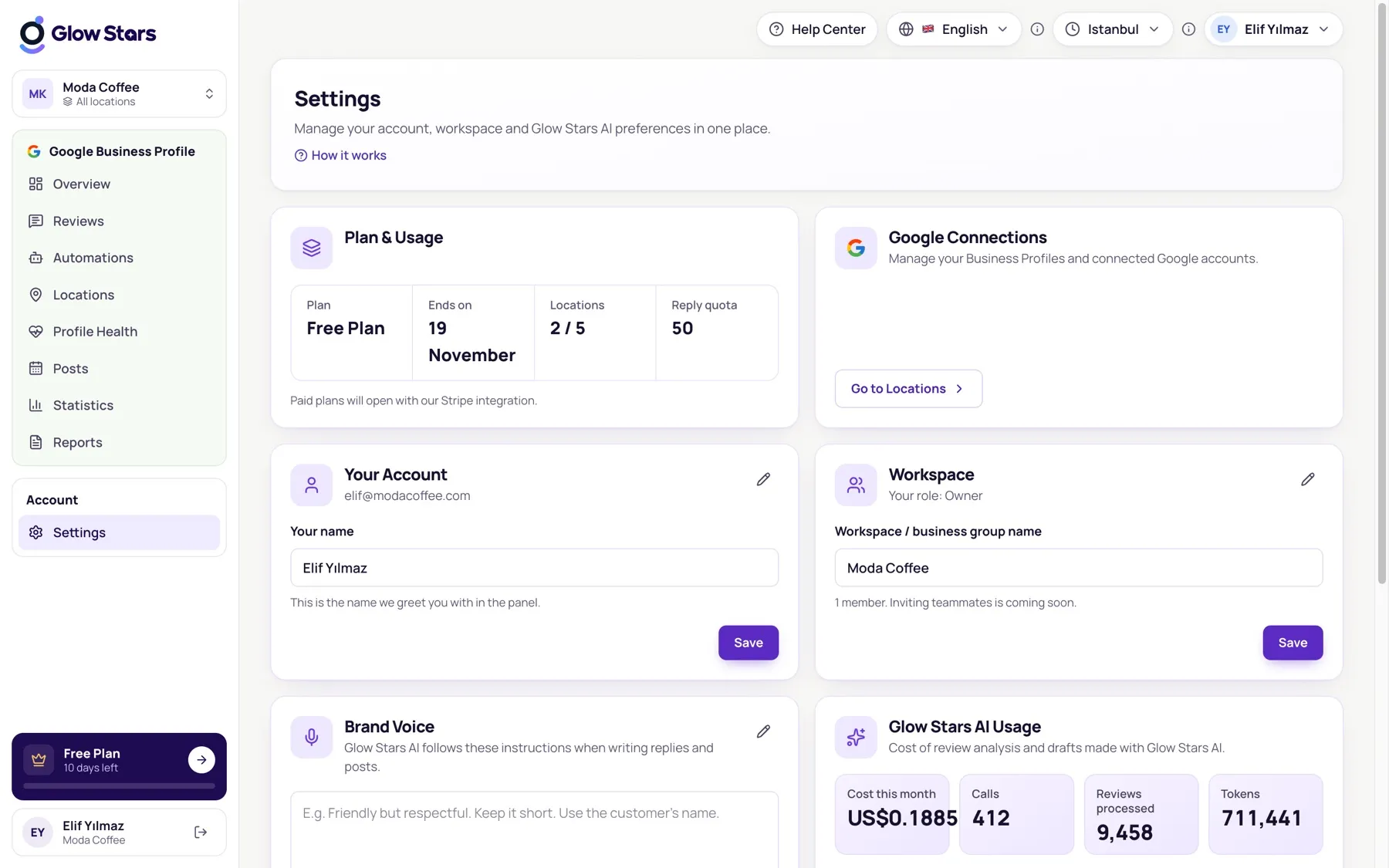
Choose English or Türkçe from the language menu at the top right. Your choice is saved to your account, and emails are sent in that language too.
Note: the language of reviews and Glow Stars AI replies is independent of the panel language. The report language is also chosen separately in the report schedule.
Time zone
Pick your business time zone from the menu at the top right. Scheduled posts, report times and auto-reply delays all follow this time zone.
More in this category
Can’t find what you need?
Write to our team and we’ll get back to you soon.