
Your first 10 minutes: setup checklist
The first steps to get results from Glow Stars fast.
Complete these steps after signing up and Glow Stars starts working for you on day one.
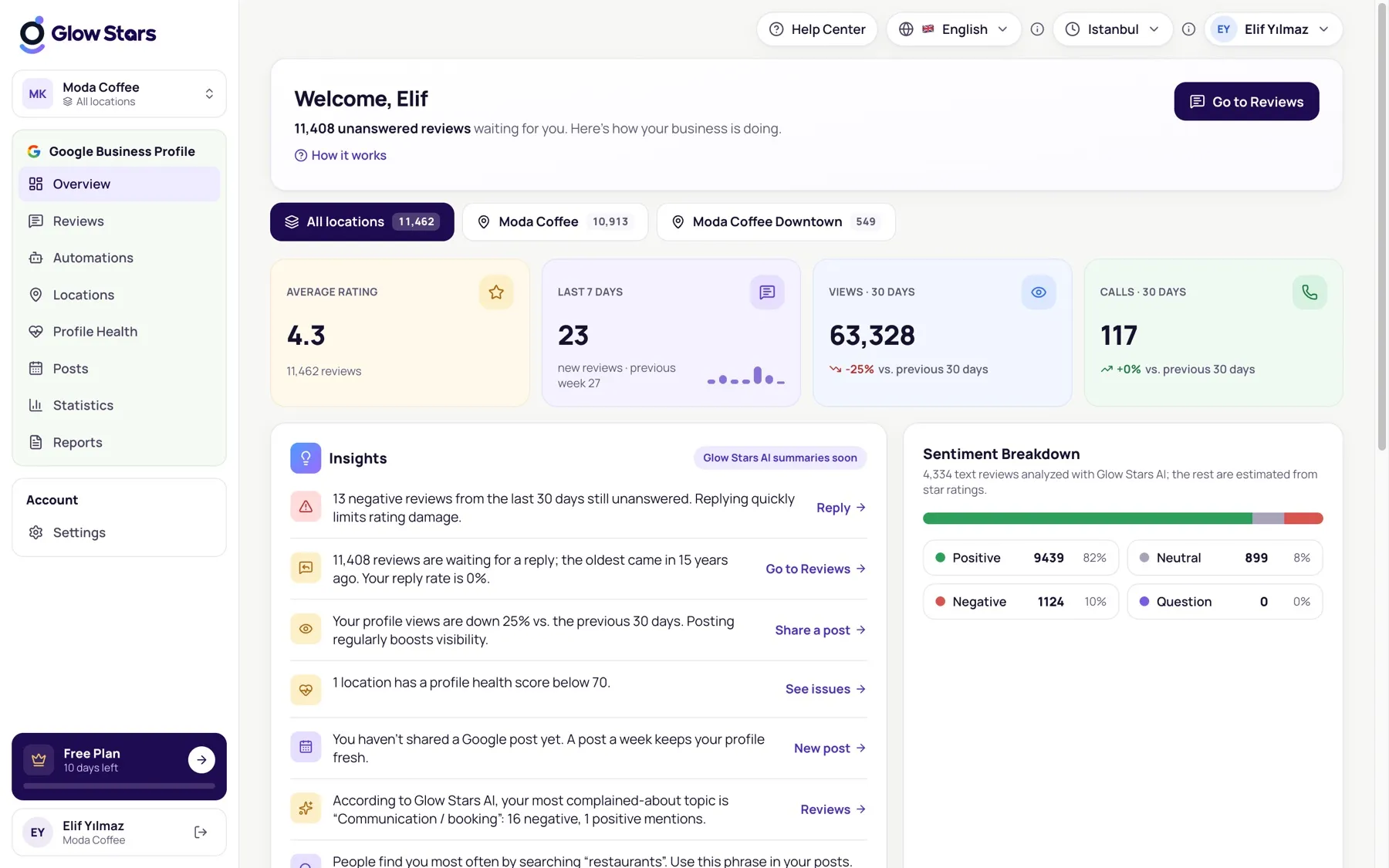
1. Connect your Google Business Profile
On the Locations page, connect your Google account and choose the profiles you manage. Your reviews and insights arrive within minutes.
2. Look at waiting reviews
Filter unanswered reviews on the Reviews page. Glow Stars AI drafts a reply for each one; check it and publish with one click.
3. Set up auto-reply
On the Automations page, for example, let 4–5 star reviews be answered automatically and send lower ratings to you for approval.
4. Check Profile Health
Profile Health scores your profile and lists what’s missing. Completing your description, opening hours and photos boosts your visibility.
5. Schedule a report
Schedule a weekly or monthly PDF report on the Reports page so your performance is always at hand.
More in this category
Can’t find what you need?
Write to our team and we’ll get back to you soon.